Small Business Website Design That Builds Trust and Leads
A professional website for a small business should have one primary conversion goal, clear page-level messaging, responsive mobile design, accessible interactions, fast-loading pages, and an ownership plan for ongoing updates. Design is most effective when it supports a measurable business decision, not just a visual refresh.
 By Tabitha Ayers9 min read
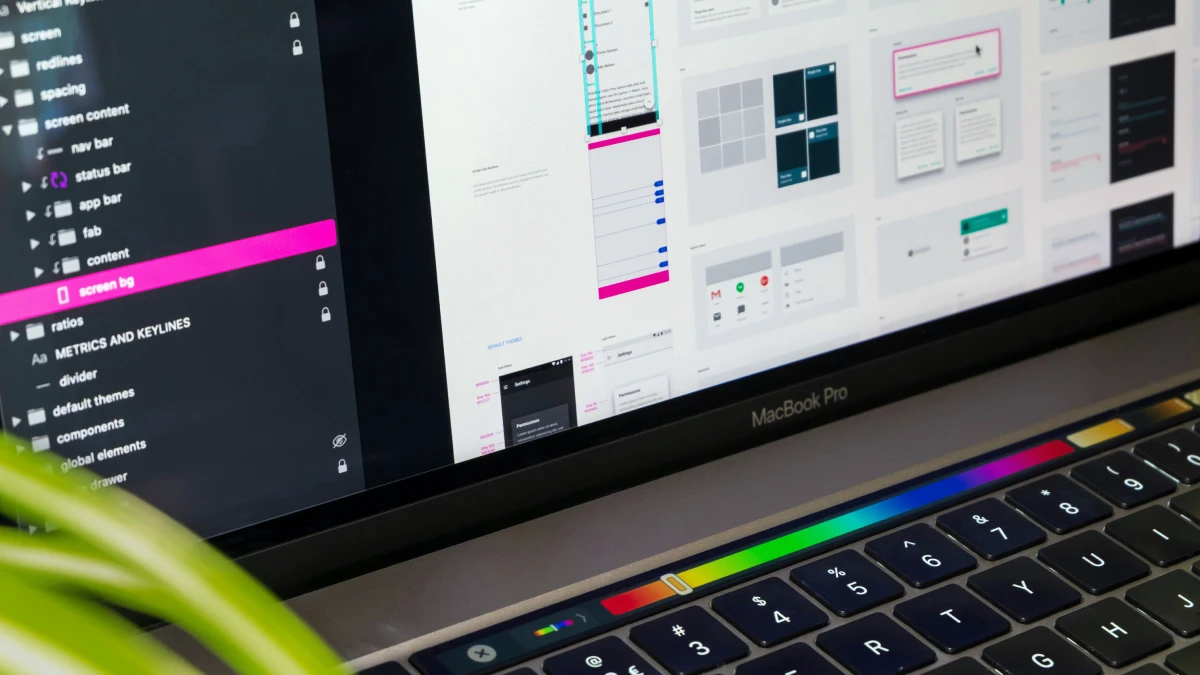
Small business website design is not mainly about choosing colors or finding a modern template. It is about giving a potential customer enough clarity, proof, and confidence to take the next step.
For a professional services firm, the next step may be to schedule a consultation. For a local contractor, it may be a request for an estimate. For an ecommerce company, it may be adding a product to a cart. The design should make that action easy, logical, and credible.
A website can look polished and still underperform if visitors cannot quickly answer three questions:
What do you do? Who do you serve? Why should I contact you instead of another business?
I recommend starting with those answers before selecting layouts, features, or technology.
Start With A Conversion Plan
A website should guide visitors toward one primary action. Without that decision, small business web design often becomes a collection of attractive sections competing for attention: a phone number, newsletter form, chat widget, social links, booking calendar, downloadable guide, and several unrelated buttons.
That creates hesitation. A visitor who needs a quote should not have to decide whether to call, email, join a mailing list, or browse three service pages before making contact.
Choose The Primary Conversion Event
I suggest defining one action that matters most to the business model. Supporting actions can remain available, but they should not receive equal visual weight.
Business Model | Primary Conversion | Useful Supporting Action |
|---|---|---|
Local service business | Request an estimate | Call now |
Consulting firm | Book a consultation | Download service overview |
Ecommerce business | Add to cart | Create account |
Professional practice | Schedule an appointment | Verify insurance or services |
B2B firm with long sales cycles | Request a conversation | View case studies |
The conversion path is the sequence between arrival and action. A visitor may arrive from a local search result, read the homepage headline, check a service page, review proof, and submit a form. Every step should reduce uncertainty.
For example, a commercial real estate advisory firm may use “Discuss Your Property Strategy” as its main CTA. That CTA is more specific than “Contact Us,” yet it does not force visitors to understand an internal sales process. It tells them what will happen next.
Build The Homepage Around Decision Making
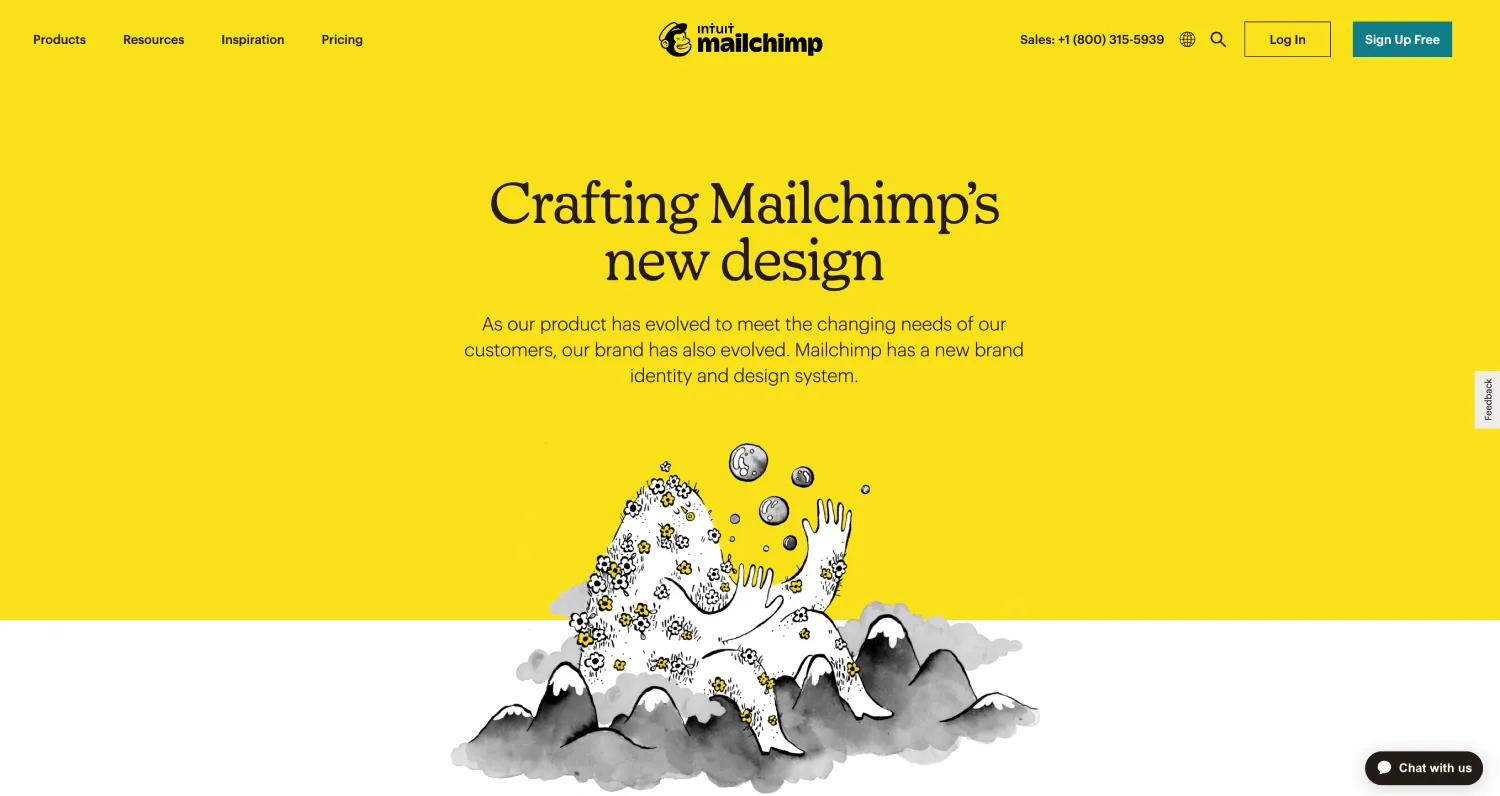
The area visible before a visitor scrolls should establish relevance fast. It does not need to say everything. It needs to earn the next scroll or click.
A strong homepage opening usually includes:
- A direct statement of the service or outcome
- A clear audience or market focus
- A location or service area when it matters
- One primary CTA
- A trust cue, such as a concise credential, client category, review excerpt, or project result
Consider the difference between “Welcome to Our Company” and “Tax Planning for Texas Business Owners Preparing for Growth.” The second version gives the visitor context immediately. It also creates a stronger foundation for SEO because the page reflects the service and its audience more clearly.
Define Success Before Design Begins
A new design cannot be evaluated only by whether leadership likes it. Establish a baseline first, even if the current data is limited.
Track the actions that indicate business value:
- Qualified contact form submissions
- Booked consultations
- Phone calls from the website
- Quote requests
- Online purchases
- Directions requests for a physical location
A practical measurement plan identifies the event, the page where it happens, and the owner responsible for reviewing it. If the primary form produces many submissions but few qualified leads, the issue may be unclear messaging, weak targeting, or form fields that fail to filter out poor fits.
Create Pages That Answer Customer Questions
A small business does not need dozens of pages. It does need pages with distinct jobs. A visitor ready to compare options needs different information than one who has never heard of the business.
The most reliable approach is to create a page-level specification before visual design begins. This is a short plan for what each page must accomplish, what proof it needs, and which action it should encourage.
Use a Page-Level Content Specification
Page | Visitor Intent | Essential Content | Primary CTA | Success Metric |
|---|---|---|---|---|
Homepage | Understand relevance | Value proposition, proof, key services | Start inquiry | CTA clicks or leads |
Services | Compare solutions | Scope, process, outcomes, fit | Request a quote | Service page leads |
About | Assess credibility | Story, leadership, values, approach | Meet the team or contact | Assisted conversions |
Contact | Take action | Form, phone, hours, service area | Submit inquiry | Form completion rate |
Case Studies | Verify results | Problem, approach, outcomes, evidence | Discuss a similar need | Consultation requests |
This process prevents a common failure mode: designing a page around available copy rather than customer questions. If a service page only contains a short paragraph and a stock photo, it may be visually balanced but commercially weak.
For higher value services, explain the work in practical terms. What problem does it solve? Who is it for? What happens during the process? What is included? What should a prospective customer do next?
Add Proof Near The Moment Of Doubt
Trust signals work best when they address the concern a visitor has at that point in the journey. A testimonial beside a contact form can reduce anxiety about reaching out. A case study on a service page can show that the offer is real and relevant.
Useful proof may include:
- Customer reviews with enough context to feel specific
- Case studies that explain the original business problem
- Project images that show real work where appropriate
- Certifications, memberships, or regulated industry credentials
- Media mentions or awards, when they are current and meaningful
- Clear explanations of process, pricing approach, or response expectations
Avoid overloading a page with logo walls and generic praise. “Great company” provides little decision support. “They clarified our service offering and reduced confusion during the proposal process” tells a visitor what value to expect.
Keep Brand Consistency Practical

A professional website small business owners can rely on should look connected to every other customer touchpoint. A logo, sales deck, email signature, proposal, and website should communicate the same level of quality.
That does not mean every page needs heavy branding. It means core elements stay consistent: type styles, colors, imagery standards, tone, spacing, buttons, and logo use. Reviewing logo design principles can help ensure the mark remains clear at small screen sizes, in a website header, and across digital applications.
For businesses preparing for larger accounts or premium pricing, website design should also reflect positioning. Brand strategy for small businesses helps establish the market message before the visual system is asked to communicate it.
Use Progressive Disclosure For Complex Offers
Businesses with many services, locations, or customer types often create crowded menus. The solution is not always adding more top-level navigation items.
Use progressive disclosure instead. Start with a clear overview, then let visitors choose the path that matches their need. A consulting firm may begin with three main service categories, followed by detailed pages beneath each category. A multi-location business may show a service overview first, then guide users to relevant location pages.
This keeps the UI, or user interface, focused while still providing depth. It also improves UX (user experience) because visitors do not need to understand the entire company structure to find a relevant service.
Choose Technology And Design For Long-Term Use
The best platform is not the one with the longest feature list. It is the platform that fits the business's operating needs, budget, integrations, maintenance capacity, and ownership expectations.
Compare Platforms By Operating Constraints
Option | Best For | Watch For | Avoid When |
|---|---|---|---|
Hosted website builder | Simple service sites managed internally | Platform limits and recurring subscriptions | You need advanced custom workflows or portability |
WordPress CMS | Content-heavy sites with flexible needs | Plugin quality, updates, security ownership | No one can manage maintenance or vendor support |
Shopify | Product-focused businesses | App costs and checkout customization limits | Ecommerce is not a core function |
Custom website | Complex needs and unique user flows | Higher initial investment and maintenance planning | Requirements are simple, and budget is limited |
Vendor lock-in deserves attention. Before committing to a platform, ask whether you can export content, move domains, access analytics, and switch providers without rebuilding the entire site. A website that is easy to launch but difficult to leave may create a problem later.
There is no universal cost range that applies to every project because scope changes dramatically. A simple brochure site using an existing template has different needs from a B2B site that requires positioning work, custom copy, lead routing, CRM integration, and case studies. Ask for a scope that separates strategy, design, development, content, software subscriptions, and ongoing support.
Design Mobile First, Not Mobile Later
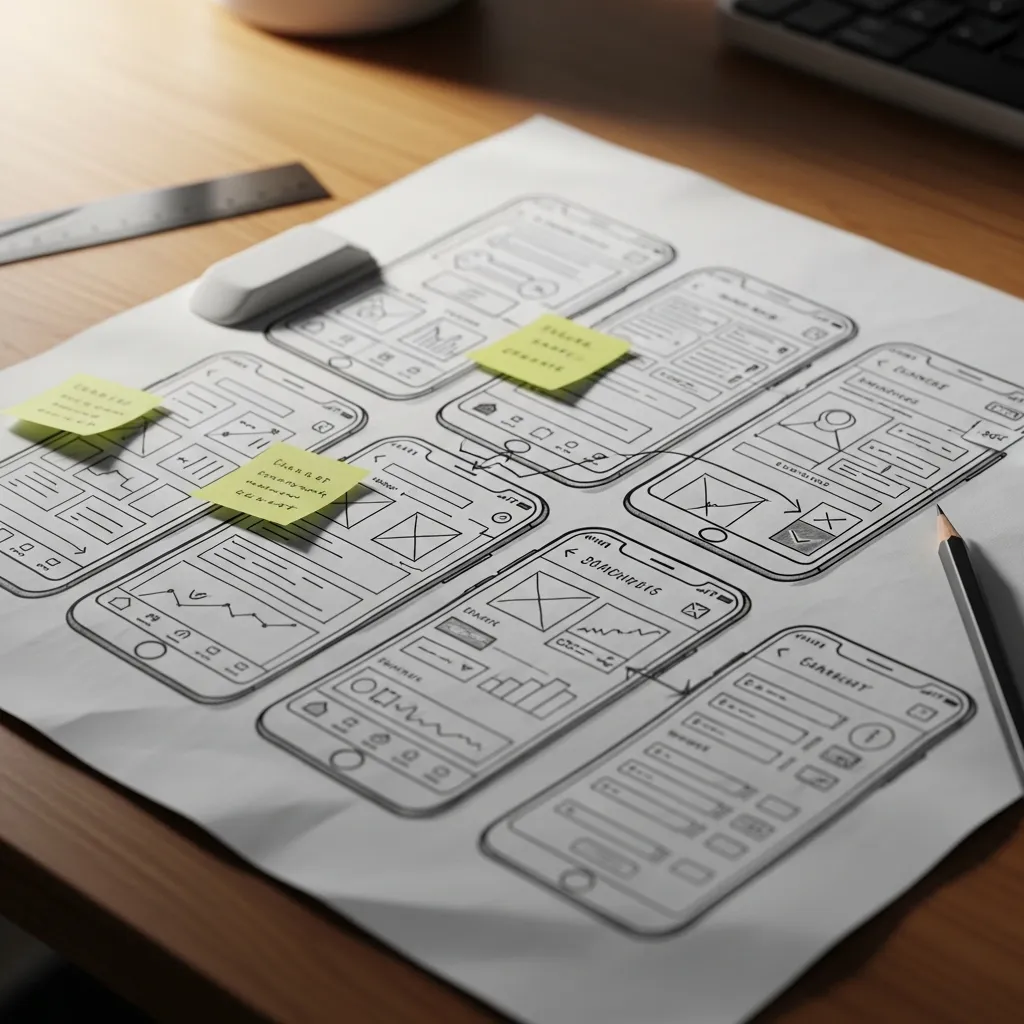
Responsive design adjusts layouts and controls for different screen sizes. It is not simply shrinking a desktop page onto a phone.
On a mobile screen, check whether:
- The main CTA remains visible without excessive scrolling
- Buttons are easy to tap without selecting adjacent links
- Phone numbers use click to call behavior
- Forms do not require lengthy typing
- Menus are easy to open, scan, and close
- Tables, maps, and embedded tools remain usable
A desktop hero with a large background video may look impressive in a presentation. On a phone, it can delay useful content, consume data, or push the main CTA below the fold. When mobile performance conflicts with decorative media, prioritize the customer task.
Treat Performance As A Design Requirement
Speed problems often stem from choices that seem minor in isolation: oversized images, too many font files, autoplaying videos, chat tools, maps, tracking scripts, sliders, and third-party booking widgets.
Set a performance budget before development. It can include limits for image size, the number of external scripts, the use of video, and the number of font families. The exact limits depend on the platform and function, but the discipline matters: every feature should justify the loading cost.
Use compressed images sized for their actual display area. Replace decorative animations with static visuals when they do not help understanding. Review Core Web Vitals and automated Lighthouse reports, but do not treat a score as the only measure of quality. A booking tool may slightly affect performance while still serving an important customer need. The decision should be deliberate.
Make Accessibility Testable
Accessibility is not a final polish step. Build it into page templates, forms, menus, and content review. The Web Content Accessibility Guidelines, commonly called WCAG, provide a useful framework, but the practical question is whether people can use the website with different devices and abilities.
Test these basics before launch:
- Use a keyboard to move through navigation, buttons, forms, and dialogs.
- Confirm that a visible focus indicator shows where the keyboard is.
- Check that headings appear in a logical order rather than being chosen only for visual size.
- Make link labels descriptive. “View wealth management services” is clearer than “Learn more.”
- Confirm text has enough contrast against its background.
- Trigger form errors and confirm the message explains what needs to be fixed.
- Add alt text when an image communicates meaningful information.
Semantic HTML supports this work under the surface. Using real buttons, headings, navigation regions, and form labels makes the site easier for assistive technology to interpret and easier for future developers to maintain.
Test, Launch, And Maintain The Website

A website launch is not simply publishing pages. It is the point where real customers, devices, browsers, inboxes, calendars, and payment systems meet the design.
Run A Launch Acceptance Test
I recommend assigning one person to test the complete customer path as if they were a new prospect. Do not test only the homepage.
Test Area | What To Check | Failure Recovery |
|---|---|---|
Mobile navigation | Menus, buttons, sticky headers, tap targets | Simplify menu behavior or remove obstructive overlays |
Contact forms | Required fields, confirmation, inbox delivery | Fix field validation and route submissions to a monitored inbox |
Booking tools | Availability, confirmation emails, time zones | Test with a real booking and revise calendar settings |
Payments | Pricing, taxes, receipts, failed transaction handling | Run a low-value test transaction before launch |
Local information | Phone, address, hours, service area | Update every instance from one approved source of truth |
Search basics | Page titles, headings, index settings, 404 page | Correct duplicate titles, blocked pages, or broken links |
If the business operates locally, consistency is especially important. The name, address, phone number, hours, and service area should match across the website and major business profiles. A visitor should not need to wonder whether two slightly different phone numbers belong to the same company.
Plan Ownership Before The Site Goes Live
Every website needs maintenance. Service descriptions change. Team members leave. Promotions expire. Forms can fail after software updates. Domains and SSL certificates renew.
Create a simple maintenance schedule:
- Monthly: test forms, booking flows, and key CTAs
- Quarterly: review services, testimonials, staff information, and analytics
- Twice yearly: remove outdated offers, check integrations, and review page speed
- Annually: renew domains, review access permissions, update legal pages, and test backups
If no internal owner exists, clarify who will make updates and who has administrator access. A CMS is useful only when the people responsible for content can use it safely and confidently.
Keep SEO Connected To Customer Intent
SEO, or search engine optimization, is not a separate layer added after the website is built. It starts with clear service pages, useful headings, logical internal organization, fast performance, and content that answers real customer questions.
For local SEO, create meaningful pages for genuine service areas or locations. Avoid publishing thin pages that merely swap city names while offering no local relevance. A firm that serves Dallas, Fort Worth, and Austin may need distinct location pages only if it has meaningful differences to explain, such as offices, service teams, regulatory requirements, projects, or local availability.
Consistent brand standards also make ongoing website updates easier. A documented system for typography, imagery, voice, and UI patterns reduces subjective debates. Use this guide on how to create brand guidelines to establish rules that keep new pages aligned as the business grows.
Conclusion
A successful small business website should make your company easier to understand, easier to trust, and easier to contact. Start with the conversion path, build pages around customer decisions, choose technology that your team can maintain, and test every revenue-critical interaction before launch.
The visual design matters. But it becomes far more valuable when it is backed by clear positioning, reliable systems, and a customer journey that leads somewhere specific.
Contents
Frequently Asked Questions
What Should A Small Business Website Include?
At a minimum, include a homepage, service or product pages, an About page, a Contact page, and a useful 404 page. Add proof, clear CTAs, basic legal information, and location details when applicable. The exact page count depends on how many distinct customer decisions the site must support.
How Many Pages Does A Small Business Website Need?
A focused business may succeed with five to eight well-planned pages. A company with several services, locations, or industries may need more. Add pages when they answer a distinct customer question, not simply to make the site appear larger.
What Should Appear Above The Fold On The Homepage?
Place a concise value proposition, audience or market context, a primary CTA, and a trust cue near the top. The goal is to help visitors decide whether they are in the right place before asking them to read more.
Should I Use Wix, Squarespace, WordPress, Shopify, Or A Custom Website?
Choose based on operations. Hosted builders can suit straightforward sites managed by a small team. WordPress can work well when content flexibility matters. Shopify is designed for ecommerce. A custom build makes sense when the business needs specific workflows or a distinct digital experience. Evaluate ownership, integrations, maintenance, and migration options before deciding.
How Do I Make My Website Mobile Friendly?
Use responsive design, then test the actual site on phones. Check navigation, text size, tap targets, forms, page speed, maps, and booking tools. Do not assume that a desktop design will work well on a small screen without adjustments.
Do I Need A Blog For My Small Business Website?
Not always. A blog is useful when the business can publish helpful material that supports sales conversations, local visibility, or customer education. If the team cannot maintain it, a strong set of service pages, FAQs, case studies, and resources is usually a better first priority.
Related Reading

Brand Strategy
Brand Strategy for Small Businesses: 2026 Growth Guide
Stop treating brand strategy like a creative exercise. In 2026, branding is a technical requirement for visibility in AI-driven search environments. This guide breaks down how small businesses build mental availability, secure distinctive assets, and stop wasting money on “emotional connection” myths that don’t scale.

Investment & Value
Logo Design Cost in 2026: What a Business Should Budget
Learn what logo design costs in 2026, from DIY tools to agencies. Compare pricing, deliverables, revision limits, and budget choices.

Visual Language
Brand Illustration: When and How to Use It
Learn when brand illustration works better than photography or icons, how to build a consistent system, and how to govern it across channels.